Tap On Tap Off
8 months ago
Launching Monday 30th March 2026….
This new Norfolk County Council led BSIP (Bus Service Improvement Plan) initiative is available on Lynx buses from 30th March meaning than travel with us will be easier and smarter than ever before!
Tap on Tap Off uses contactless payments to cap adult fares so that they are never more than the day or weekly ticket price of our zonal unlimited travel tickets (Townrider, Explorer and Coast zones). The applicable adult single fares are automatically calculated when you tap on and tap off on each journey you make over a day or a 7-day period. Once you reach the cap then you’ll not pay any extra!
If you are making one return journey between two points then it may still be more cost effective to purchase a return ticket from the driver in the normal manner. Otherwise
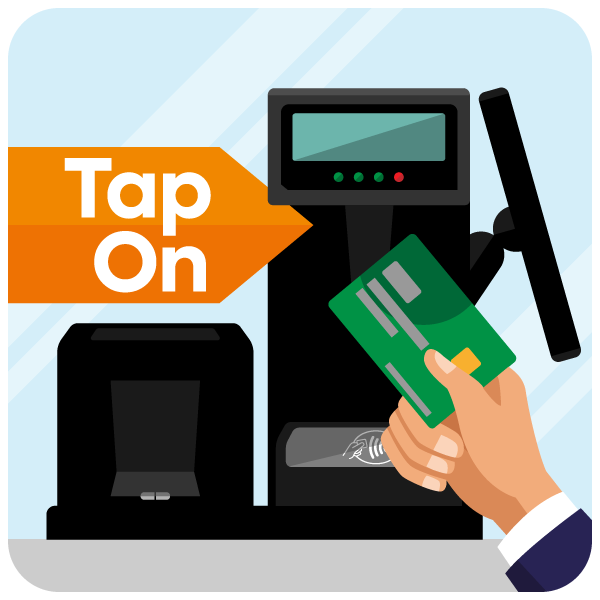
- Tap your contactless card or device when you get on the bus and wait for the beep. There’s no need to tell the driver your destination.
- When you’re ready to leave the bus tap the same card or device on the tap off card reader (located in the aisle of the bus towards the front) until you hear the beep.
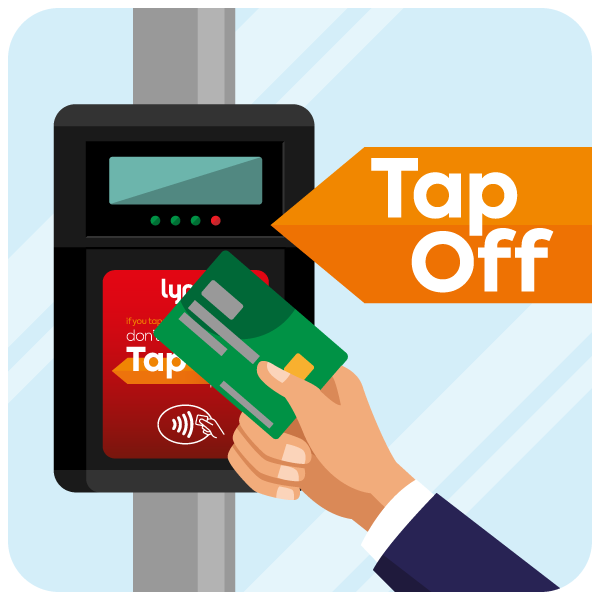
Your fare will automatically be calculated.
How do I know what I will be charged?
If you’re an adult using tap on tap off you’ll be charged the equivalent single fare(s) until you reach the daily or weekly Townrider, Explorer or Coast zone cap. The price of any journeys you make will be calculated by the system and charged to your account at the end of each day. The system will automatically calculate your best available daily fare depending on what fare zone you have travelled in.
You can check your journey and fare history through our Contactless Journeys section on the Lynx App.
Zone | Daily cap | Weekly cap |
Townrider | £3.80 | £12 |
Explorer | £8 | £27 |
Coast | £14 | £33 |
Do I have to register my card first?
To use Tap On, Tap Off there is no need to register or sign up - you can board the bus with your contactless card or device to tap on and off. However, if you want to see your trip history, you will need to log into the Lynx app and select register your card under Contactless Journeys.
Can I use more than one bank card?
To get the best available daily fare you will need to use the same card that day. However, you can use other contactless cards, but your transactions will not be linked.
Can I use a contactless-enabled device other than a credit or debit card?
We are able to accept payments on smartphones and smartwatches using Apple Pay and Android Pay as well as contactless-enabled wearables such as wristbands. If you then want to view your journey and payment history online or in the app, you'll need to register using the physical credit or debit card associated with your device.
What happens if I forget to tap off?
You will be charged the single fare to the end of the route, so always remember to tap off in order to pay the correct fare. If you do forget to tap off and are overcharged as a result, please contact us.
How will it appear on my bank statement?
You will see a charge to your bank account from Lynx, you may see more than one charge in one day, but the total added together will be no more than the cost of the relevant day ticket.
I have a joint account, can I still use contactless payment?
Yes, you can! Also, if you’re both travelling at the same time, you can use each card separately for payment.
What if I get asked to use my PIN?
The new requirement to enter your PIN number after five contactless transactions does not apply on our buses.
How do I avoid ‘card clash’?
Our ticket machines are designed to accept a wide range of cards and passes, ensuring a seamless experience for all passengers. However, this functionality can sometimes lead to card clash - a situation where our contactless payment system unintentionally connects to a payment card stored in a phone case or a card enabled on a mobile device, instead of the intended mobile ticket. To prevent this, we recommend keeping credit and debit cards separate from concessionary passes and mobile tickets. You can do this by:
- Removing your phone from its case when scanning a mobile ticket.
- Temporarily disabling your phone’s NFC function to prevent unintended contactless payments.